

When to Move from Shopify Advanced to Shopify Plus
If you’re currently running your e-commerce store on Shopify Advanced, you’ve already moved beyond the basics. You’ve got advanced reporting, competitive transaction fees, and the infrastructure to support a growing business. But here’s the question I hear constantly from clients: when does it actually make sense to upgrade from Shopify Advanced to Shopify Plus?
The decision isn’t just about revenue thresholds or feature checklists. After migrating dozens of brands from various platforms and helping businesses scale through different Shopify tiers, I’ve learned that the right time to move from Shopify Advanced to Shopify Plus is when the platform limitations start costing you more than the upgrade itself.
Let me break down exactly when moving from Shopify Advanced to Shopify Plus makes business sense and help you determine if now is the right time for your business to make the leap.
Understanding the Core Differences
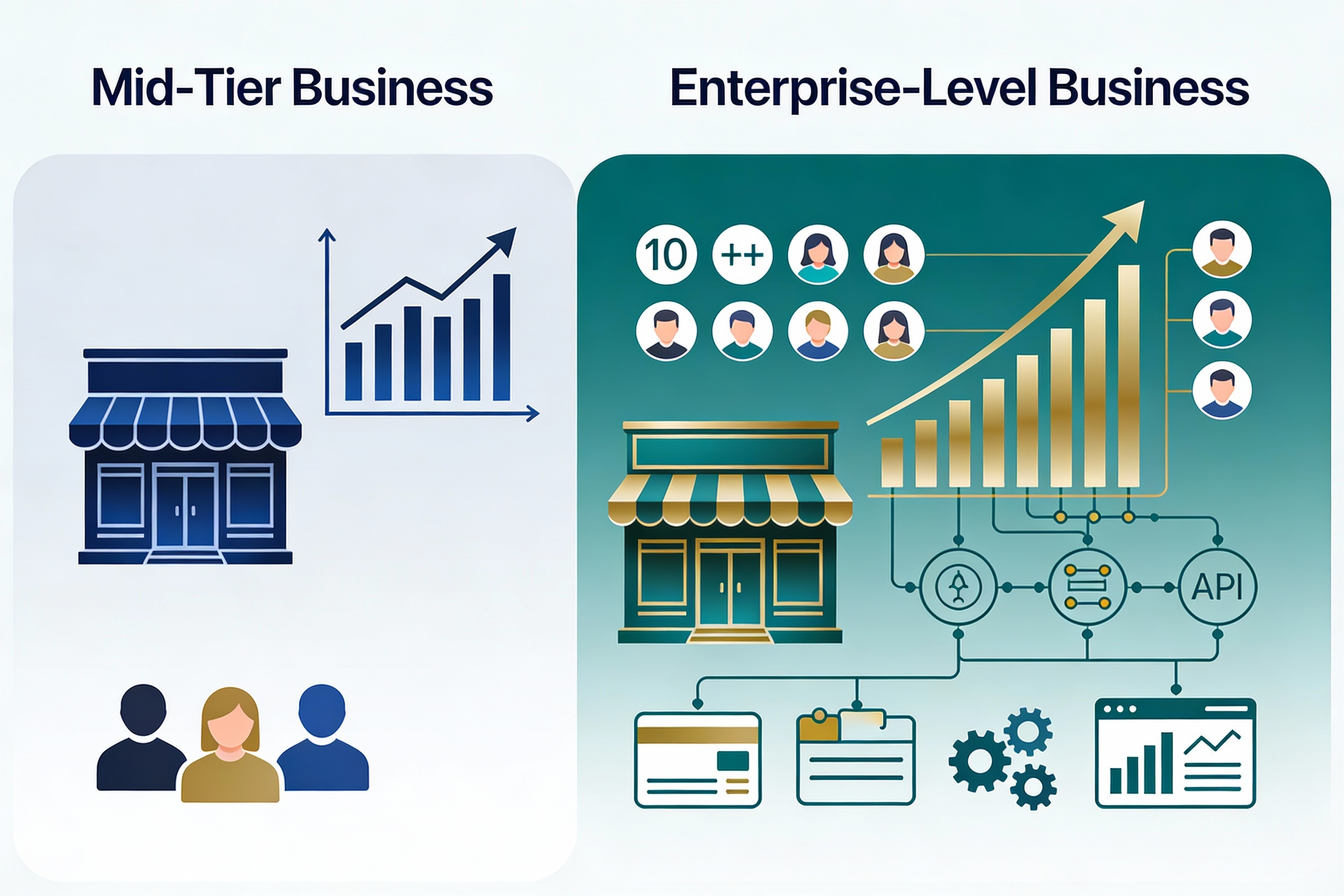
Before diving into the “when,” let’s clarify what actually separates Shopify Advanced from Shopify Plus. These aren’t just incremental feature additions—we’re talking about fundamentally different capabilities that change how you operate at scale.
Pricing Structure Reality Check
Shopify Advanced costs $399 per month with 0.5% transaction fees on third-party payment processors. Shopify Plus starts at $2,300 monthly (or 0.25% of monthly sales, whichever is higher) with just 0.15% transaction fees. On the surface, that’s a massive jump in monthly costs.
But here’s where the math gets interesting. For high-volume stores evaluating Shopify Advanced to Shopify Plus, transaction fee savings add up fast. If you’re doing $500,000 in monthly sales through a third-party gateway, you’re paying $2,500 in transaction fees on Advanced versus $750 on Plus. That’s $1,750 in monthly savings—nearly enough to offset the base price difference right there.
| Feature | Shopify Advanced | Shopify Plus |
|---|---|---|
| Monthly Cost | $399 | $2,300+ (or 0.25% of sales) |
| Transaction Fees | 0.5% (third-party) | 0.15% (third-party) |
| Staff Accounts | 15 maximum | Unlimited |
| Checkout Customization | Limited (logo, colors) | Full customization via Checkout Extensibility |
| API Rate Limits | 4 requests/second (REST) | 20 requests/second (REST) |
| Automation Tools | Shopify Flow | Flow + Launchpad |
| Expansion Stores | None | Up to 9 additional stores |
| Support | Standard | Dedicated Merchant Success Manager |
Clear Signals It’s Time to Upgrade from Shopify Advanced to Shopify Plus
Based on my experience helping businesses navigate upgrading from Shopify Advanced to Shopify Plus, here are the definitive indicators that you’ve outgrown Shopify Advanced and need the enterprise capabilities of Plus.
1. You’re Hitting the $80,000+ Monthly Sales Threshold
When considering upgrading from Shopify Advanced to Shopify Plus, there’s no magic number that applies universally, but the industry benchmark sits around $80,000 to $100,000 in monthly sales. At this volume, the transaction fee savings alone begin to justify the higher platform cost.
But it’s not just about covering the cost difference. At this revenue level, you’re likely dealing with operational complexity that Shopify Advanced wasn’t designed to handle efficiently. You need the advanced automation, unlimited staff accounts, and enterprise-grade infrastructure that Plus provides.
2. Your Team Has Outgrown 15 Staff Accounts
One of the most frustrating limitations prompting the move from Shopify Advanced to Shopify Plus is the 15-user cap. When you’re managing customer service teams, warehouse operations, marketing specialists, developers, and executives all needing different levels of access to your store, 15 accounts disappear fast.
Plus offers unlimited staff accounts with granular permission controls. This isn’t just convenient—it fundamentally changes how your team collaborates. Different departments can access exactly what they need without workarounds or shared login credentials that create security vulnerabilities.
3. Checkout Customization Is Costing You Conversions
When evaluating the move from Shopify Advanced to Shopify Plus, checkout customization shifts the conversation from “nice to have” to “directly impacting revenue.” On Shopify Advanced, your checkout customization options are essentially cosmetic—you can add your logo, choose accent colors, and customize email notifications. That’s it.
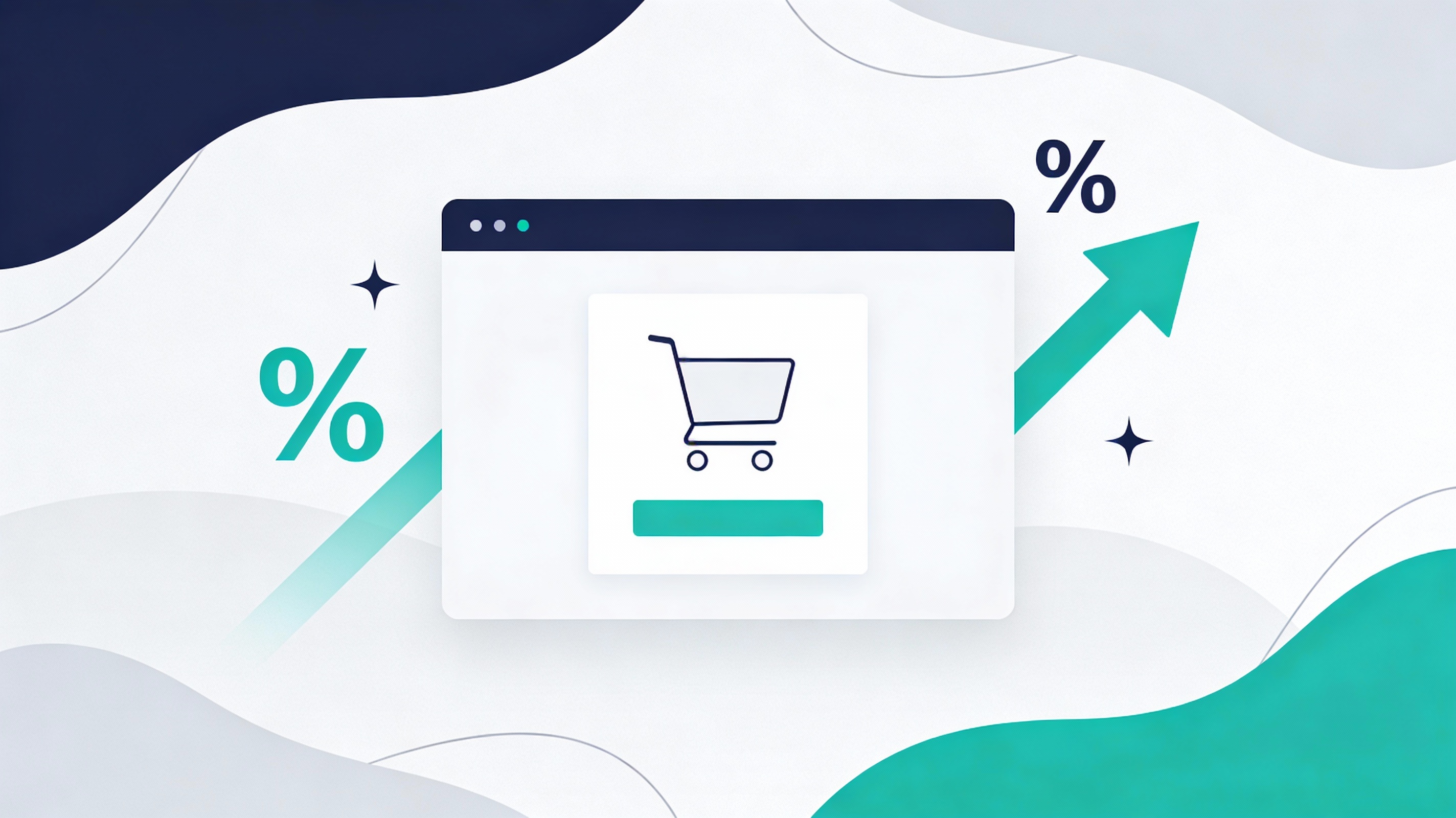
Shopify Plus unlocks complete checkout control through Checkout Extensibility and Shopify Functions. You can add custom fields, implement complex discount logic, create upsell opportunities at checkout, add trust badges and social proof, validate addresses in real-time, and build checkout experiences tailored to specific customer segments.
Brands that leverage Plus checkout customization regularly see conversion rate improvements of 5-15%. If you’re doing $100,000 monthly with a 2% conversion rate, a 10% improvement in conversions translates to $10,000 in additional monthly revenue. The upgrade pays for itself in weeks, not months.
4. You’re Hitting API Rate Limits
If your business relies on complex integrations with ERPs, inventory management systems, custom applications, or multiple sales channels, API rate limits become a real bottleneck. Shopify Advanced caps REST API calls at 4 requests per second. When upgrading from Shopify Advanced to Shopify Plus, you get 20 requests per second—a 5x improvement.
This matters most during high-traffic periods, automated workflows, real-time inventory syncing across multiple locations, and integration-heavy operations. When your systems are constantly throttled by API limits, you’re not just experiencing technical frustration—you’re losing sales during peak periods.
5. You Need Advanced Automation for Launches and Campaigns
While both Shopify Advanced and Shopify Plus include Shopify Flow for workflow automation, Plus adds Launchpad—and this tool alone can justify the upgrade for brands running frequent campaigns.
Launchpad lets you schedule and automate product launches, flash sales, price changes, inventory updates, and theme modifications. Instead of manually managing these elements during critical launch windows (often at odd hours), everything executes automatically with precision timing.
Before transitioning from Shopify Advanced to Shopify Plus, I’ve worked with brands manually coordinating product drops across time zones, having team members literally stay up until midnight to flip switches on campaigns. Launchpad eliminates that entirely, reducing operational overhead while ensuring flawless execution every time.
The ROI Equation: When Plus Pays for Itself
Let’s talk numbers. When analyzing the upgrade from Shopify Advanced to Shopify Plus, the question isn’t just about the higher cost—obviously it does. The question is whether the return justifies the investment.
Transaction Fee Savings
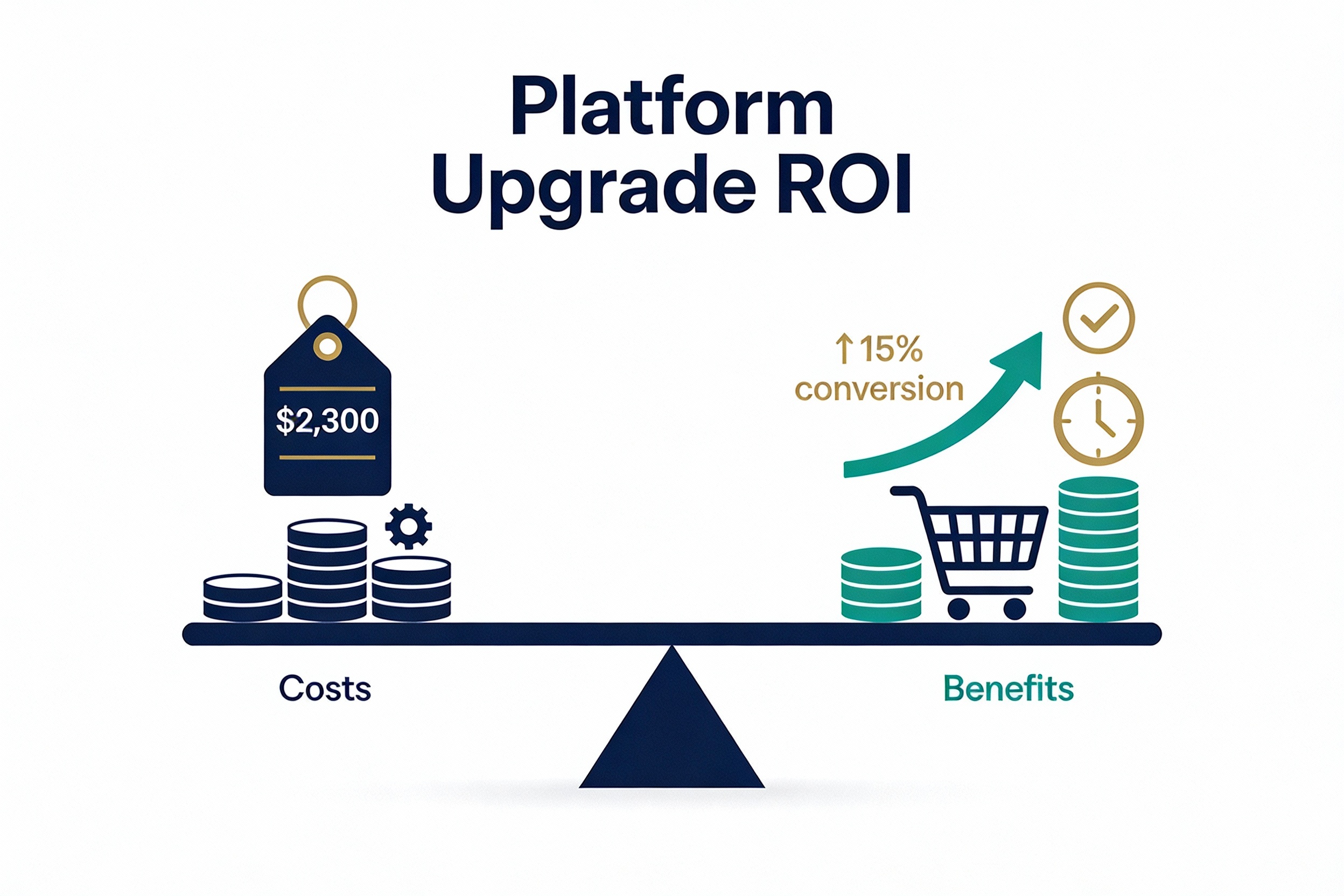
For a store processing $200,000 monthly through third-party payment gateways, the math looks like this:
- Advanced fees: $399 base + $1,000 transaction fees = $1,399 total
- Plus fees: $2,300 base + $300 transaction fees = $2,600 total
- Difference: $1,201 additional monthly cost for Plus
At $500,000 monthly:
- Advanced fees: $399 + $2,500 = $2,899
- Plus fees: $2,300 + $750 = $3,050
- Difference: Only $151 additional for enterprise features
At $800,000+ monthly, transaction fee savings alone make Plus less expensive than Advanced while delivering exponentially more capability.
Conversion Rate Improvements
Checkout customization, faster load times during traffic spikes, and improved mobile experiences typically generate 5-15% conversion rate lifts after migrating from Shopify Advanced to Shopify Plus. Even a conservative 7% improvement on $200,000 monthly revenue adds $14,000 in sales—far exceeding the platform cost difference.
Operational Efficiency Gains
The less quantifiable but equally important benefits include reduced development costs from better API access, eliminated manual work through Launchpad automation, faster time-to-market for campaigns and launches, and reduced support overhead with dedicated Merchant Success Managers.
When you factor in the cost of developer time working around Advanced limitations, agency fees for complex implementations, and lost revenue from delayed launches, the total cost of ownership equation shifts dramatically in Plus’s favor.
Additional Capabilities That Matter at Scale
Expansion Stores for Multi-Brand or Regional Operations
Shopify Plus includes up to 9 expansion stores that share the same admin infrastructure. This is game-changing if you operate multiple brands, need region-specific stores with different currencies and languages, run separate B2B and DTC operations, or test new market segments without separate platform fees.
Each expansion store can have its own branding, products, and pricing while leveraging centralized management. This is a key differentiator when evaluating the shift from Shopify Advanced to Shopify Plus for multi-brand operations. For businesses previously paying for multiple Shopify subscriptions, this feature alone can offset the Plus upgrade cost.
Native B2B Functionality
The built-in B2B wholesale channel on Shopify Plus eliminates the need for third-party apps or separate wholesale platforms. You can create separate catalogs, offer net payment terms, set minimum order quantities, manage company accounts with multiple users, and provide tiered pricing based on customer segments.
If you’re currently managing B2B through workarounds on Advanced or paying for separate wholesale solutions, consolidating to Plus’s native B2B tools streamlines operations significantly.
Priority Support and Dedicated Resources
Every Shopify Plus merchant gets a dedicated Merchant Success Manager, priority support access, and a Launch Engineer to assist with initial setup or major changes. When issues arise during peak sales periods, having direct access to enterprise support can literally save hundreds of thousands in lost revenue.
After helping clients transition from Shopify Advanced to Shopify Plus, I’ve seen them resolve critical issues in hours that would have taken days through standard support channels. During Black Friday Cyber Monday periods, that response time difference is invaluable.
When to Wait on the Upgrade
Not every business on Shopify Advanced should immediately jump to Plus. Here’s when staying on Shopify Advanced makes sense before upgrading to Shopify Plus:
- You’re doing less than $50,000 monthly and not hitting operational constraints
- Your team fits comfortably within 15 staff accounts
- You don’t need checkout customization beyond basic branding
- Your integrations work fine within current API limits
- You rarely run coordinated campaigns that would benefit from Launchpad
There’s no shame in staying on Advanced until the business actually needs Plus capabilities. Shopify Advanced is a powerful platform that serves many successful businesses extremely well. The key is recognizing when you’re working against platform limitations rather than leveraging platform strengths.
The Migration Process: What to Expect
The migration from Shopify Advanced to Shopify Plus is one of the smoothest platform transitions you’ll ever experience. Since you’re staying within the Shopify ecosystem, you’re not dealing with data migration headaches, theme rebuilds, or complex app reconfigurations.
Here’s the typical timeline when moving from Shopify Advanced to Shopify Plus:
- Upgrade initiation: Contact Shopify Plus sales or work through a Shopify Plus Partner (which often gets you up to 3 months free). Your store upgrades within 24 business hours.
- Onboarding program: You’ll receive invitations to Jumpstart merchant onboarding and connect with your dedicated Merchant Success Manager and Launch Engineer.
- Feature implementation: This is where you actually leverage your new Plus capabilities—implementing checkout customizations, setting up Launchpad campaigns, configuring expansion stores, etc. Timeline varies based on complexity, typically 2-8 weeks.
- Optimization phase: Testing conversion improvements, refining automation workflows, and fully utilizing Plus features. Ongoing process.
Unlike complex migrations, moving from Shopify Advanced to Shopify Plus is seamless. You won’t experience downtime, data loss risks, or SEO disruptions. Your existing store continues operating normally while you implement new Plus features progressively.
Pro Tip: Working with an experienced Shopify Plus Partner during your upgrade can accelerate implementation and ensure you’re actually leveraging the features you’re paying for. Many brands upgrade to Plus but continue operating essentially like they did on Advanced simply because they don’t know what’s possible or how to implement it effectively.
Making the Decision: A Framework
Here’s how I help clients think through the decision to move from Shopify Advanced to Shopify Plus:
- Calculate your break-even point: Factor in transaction fee savings, projected conversion improvements, and operational efficiency gains. At what monthly revenue does Plus cost less or deliver better ROI than Advanced?
- Identify your biggest constraint: What limitation on Advanced is actively costing you money or preventing growth? Staff accounts? Checkout limitations? API throttling? Lack of automation?
- Project 12-month growth: Don’t make this decision based solely on current state. Where will your business be in a year? If you’ll clearly need Plus capabilities within 12 months, upgrading now lets you leverage those tools during your growth phase.
- Assess implementation complexity: Do you have the internal resources to implement Plus features effectively, or do you need partner support? Factor this into total cost.
- Consider opportunity cost: What revenue opportunities are you missing by not having Plus capabilities? Product launches you can’t execute smoothly? International markets you can’t serve effectively? Checkout optimizations you can’t implement?
Choosing when to move from Shopify Advanced to Shopify Plus isn’t about achieving a specific revenue milestone or checking feature boxes. It’s about identifying the point where platform limitations start costing more than platform capabilities, and where enterprise features unlock growth that wasn’t possible before.
Ready to Explore Shopify Plus?
At Ruby Digital Agency, we specialize in Shopify and Shopify Plus migrations for mid-market and enterprise brands. We’ll help you determine if Plus makes sense for your business and handle the entire implementation process—from checkout customization to Launchpad automation to expansion store configuration.
Final Thoughts
After guiding numerous brands through upgrading from Shopify Advanced to Shopify Plus, I’ve learned that the best time to upgrade is usually earlier than you think. The brands that wait until they’re absolutely bursting at the seams on Advanced miss months or years of revenue opportunities that Plus features would have unlocked.
That said, upgrading before you’re ready just to have “Plus” on your website footer is wasteful. The sweet spot is when you can clearly articulate how specific Plus features will solve current problems or enable new opportunities—and when the ROI math makes obvious sense.
If you’re hitting constraints on Shopify Advanced, processing $80,000+ monthly, or planning significant growth in the next 12 months, it’s time to seriously evaluate the move from Shopify Advanced to Shopify Plus. The platform difference is substantial, and the business impact can be transformative when implemented strategically.
Questions about whether Plus is right for your specific situation? Reach out to our team—we’re happy to walk through your numbers and help you make an informed decision.
Ruby Digital Agency is a certified Shopify Select Partner specializing in e-commerce platform migrations and Shopify Plus implementations. We help mid-market and enterprise brands replatform to Shopify with precision, delivering on-time, on-budget migrations that preserve SEO equity and drive measurable ROI. Learn more about our Shopify Plus services or contact us to discuss your migration strategy.